 Google reviews
 Yelp reviews
 Facebook reviews
 Trustpilot reviews
 Tripadvisor reviews
 Glassdoor reviews
 Indeed company reviews
 Reddit posts
 Instagram posts
 TikTok videos
Remove or report a TikTok video about your business
TikTok takes down a video, comment or account only when it breaks TikTok’s Community Guidelines, and TikTok decides every report. Here is what those rules say about attacks on a business and its staff, how to report each one yourself, and what we file for you.
- You see the price first
- No subscription
Why one bad TikTok video matters.
You cannot delete a video, a comment on someone else’s video or an account that someone else runs. Only TikTok removes those. TikTok says all content first goes through automated review, and a video gets additional review by its moderators when it gains popularity or is reported.
Removal is not the only outcome. TikTok can also age-restrict a video or make it ineligible for the For You feed. Its Harassment and Bullying rule puts hostile or profane language aimed at a private person in the For You feed list, not the removal list. TikTok says such a video can still be found through search or on the creator’s account.
TikTok’s Reporting Illegal Content page has a Defamation category, which it describes as an extra report option for users in the European Economic Area under the EU Digital Services Act. Elsewhere, report a false claim under the Community Guidelines rule it breaks, such as harassment of a named person or personal information.
What we file under TikTok’s own rules.
TikTok removes TikTok videos that break these rules. A TikTok video that breaks none of them usually stays up.
Harassment and Bullying
TikTok removes content that wishes serious harm on someone, insults their physical attributes, doxes them, or incites harassment, such as telling viewers to leave abusive comments or falsely report an account. The rule protects people, such as a named owner or employee. Criticizing a person’s content or actions is allowed.
Misinformation
TikTok removes misinformation that could cause significant harm, which it defines as serious injury or death, severe psychological harm, large-scale property damage or harm to society. Viral misinformation that could erode trust in businesses is on TikTok’s For You feed list, not its removal list. Personal opinions are allowed.
Personal Information
Under Privacy and Security, TikTok removes high risk personal information: a home address, login details, payment details and identity numbers. It removes contact details, medical information or a person’s image or voice when sharing them is likely to cause distress. For that second group, TikTok says it generally needs more context.
Impersonation
TikTok’s Deceptive Behavior and Fake Engagement rule bans pretending to be someone else without saying in the display name that the account is a fan or parody account. It also bans pretending to be a fake person or organization to mislead people. TikTok lists deceptive impersonation as a reason to ban an account permanently.
Edited Media and AI-Generated Content
TikTok does not allow AI-generated content that uses a private person’s likeness without consent, or AI likenesses made to bully or harass. Creators must label realistic AI or significantly edited video, and TikTok counts cutting phrases to change their meaning as a significant edit. Unlabeled content may be removed, restricted or labeled.
What stays up, and what we do not do
We do not contact the creator, ask TikTok who runs an account, post videos, comments or reviews, or use methods that break TikTok’s rules. TikTok allows criticism of a person’s content or actions, so a video from a real customer that sticks to their experience usually stays up, even when it is harsh. TikTok makes the final decision on each report, so no one can promise that a video comes down.
How to report TikTok videos yourself.
Anyone with a TikTok account can report a video, comment or account in the app or on tiktok.com, at no cost. TikTok says it will not tell the person you report who you are. TikTok checks each report against its Community Guidelines and decides.
- 1To report a video in the app, tap the Share button or press and hold the video, tap Report, choose a reason and tap Submit. On a computer, use the More options button at the top of the video (Report a post).
- 2To report a comment, press and hold it, tap Report, choose a reason and tap Submit. On your own videos you can select up to 100 comments and report them together (Report a comment).
- 3To report an account, open its profile, tap the Share button, tap Report, then Report account, and choose a reason (Report an account).
- 4If an account pretends to be your business, use TikTok’s impersonation form for accounts in the USA. For accounts outside the USA, TikTok links to its Report a problem form.
- 5If a video shows a home address, a personal phone number or other private details, open TikTok’s privacy portal. It has options for being bullied or harassed, for someone pretending to be you, and for privacy concerns.
- 6If a video reuses your footage, photos or music, use the copyright form. If it uses your trademark, use the trademark form. TikTok’s Intellectual Property Policy says it may give the poster the rights owner’s name.
- 7In the European Economic Area, a false statement of fact can be reported in the app under Report illegal content, then Defamation. TikTok asks for the exact statement, confirmation that you are or represent the business, and why the statement is false and harms your reputation (Reporting Illegal Content).
- 8To follow a report, tap Profile, the Menu button, Settings and privacy, Support, Safety Center, then Report records (Reporting on TikTok). The creator can appeal a removal, and TikTok restores the video if the appeal succeeds (Content violations and bans).
Sources
- TikTok Community Guidelines
- TikTok Community Guidelines: Safety and Civility (Harassment and Bullying)
- TikTok Community Guidelines: Integrity and Authenticity (Misinformation, Edited Media, Intellectual Property, Impersonation)
- TikTok Community Guidelines: Privacy and Security (Personal Information)
- TikTok Community Guidelines: Enforcement
- TikTok Safety Center: Reporting on TikTok
- TikTok Help Center: Report a post
- TikTok Help Center: Report a comment
- TikTok Help Center: Report an account
- TikTok Help Center: Content violations and bans
- TikTok impersonation report form (USA)
- TikTok privacy portal
- TikTok Intellectual Property Policy
- TikTok copyright report form
- TikTok trademark report form
- TikTok: Reporting Illegal Content
How TikTok removal works, step by step.
Paste the links to the videos, comments or accounts in the chat. A stitch, duet or repost is a separate post with its own link, so send each one.
Your account manager confirms the price and the terms for each video, comment or account with you before anything is filed. You pay for the ones that come down.
We screenshot each item before work starts, as the record of what was there. Our filing team files each one with TikTok under the Community Guidelines rule it breaks, and TikTok decides.
A person checks TikTok before we count a video or comment removed, and we email you when one comes down. If the creator wins an appeal and the video comes back, we file it again at no charge.
We file all your bad reviews.
You pay for the ones that come down. On Google, you see the price and accept the terms in the app before anything is filed. For other sites, your account manager agrees the price with you first. No one can guarantee every review comes down, because the platform makes the final decision on each one.
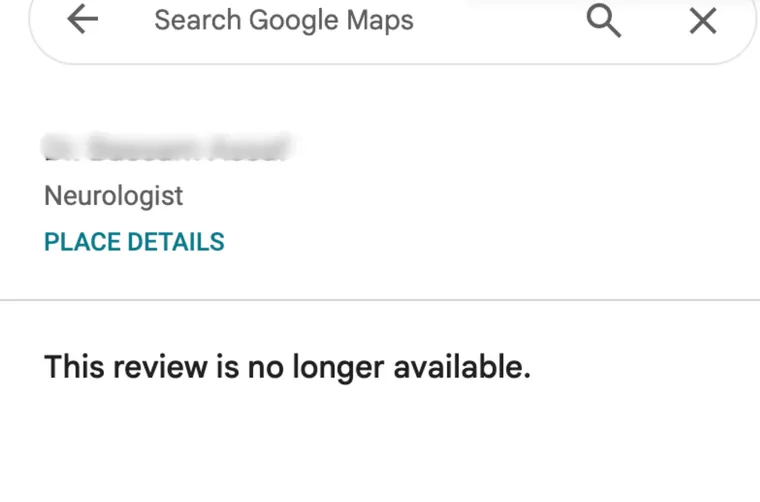
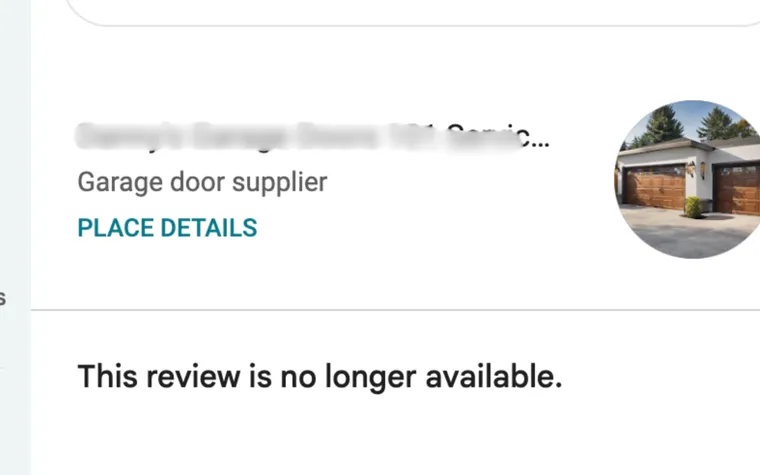
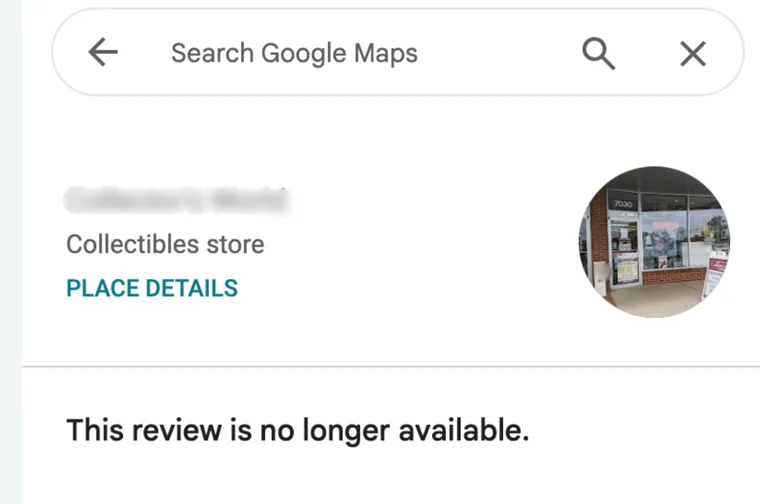
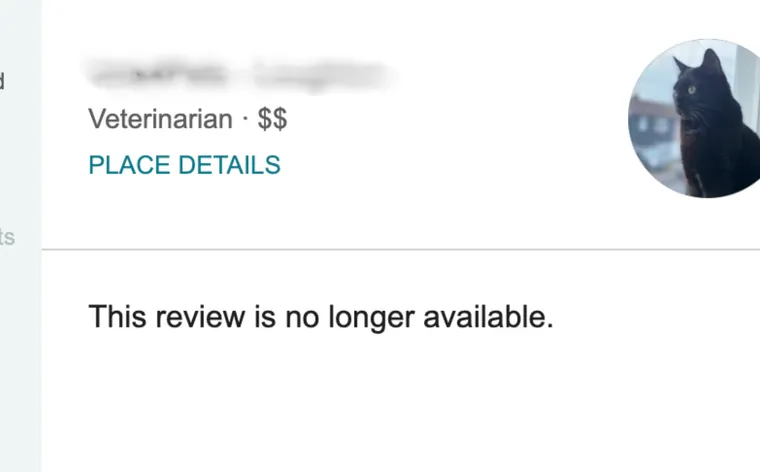
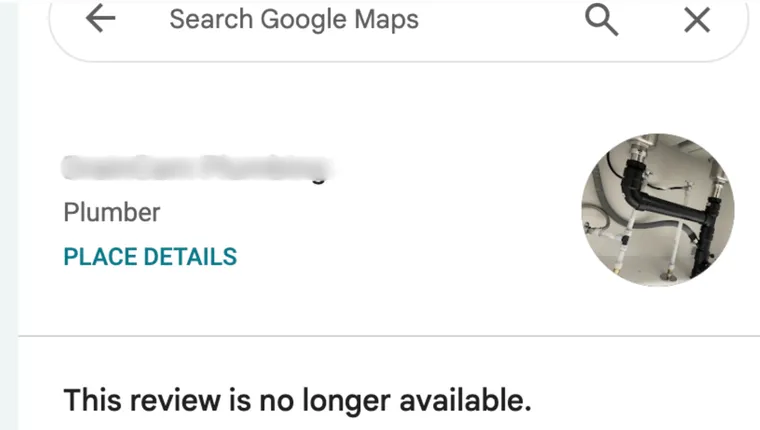
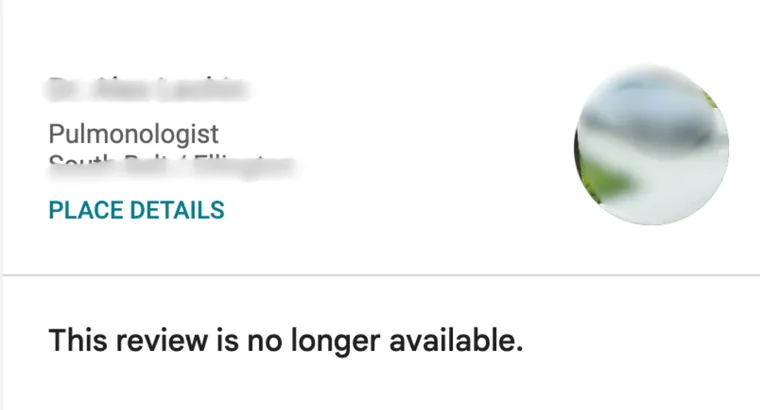
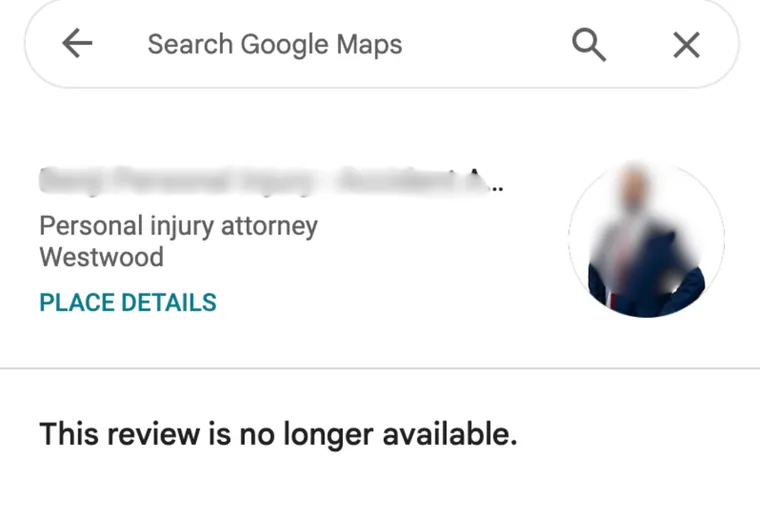
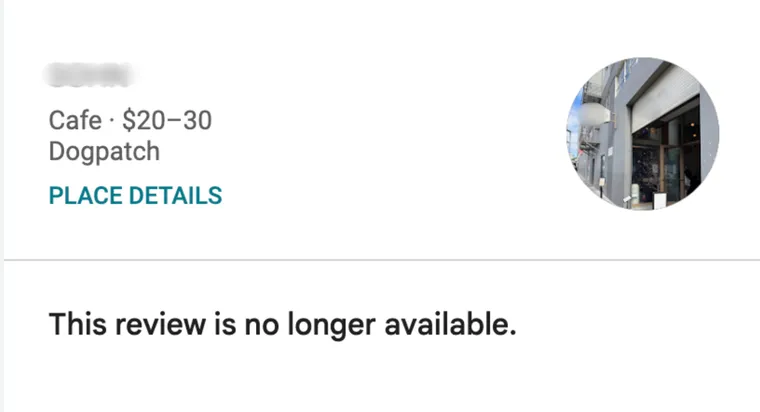
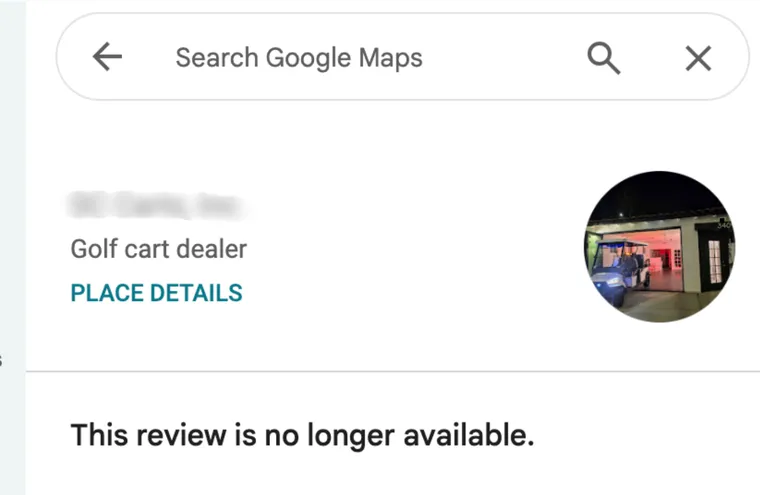
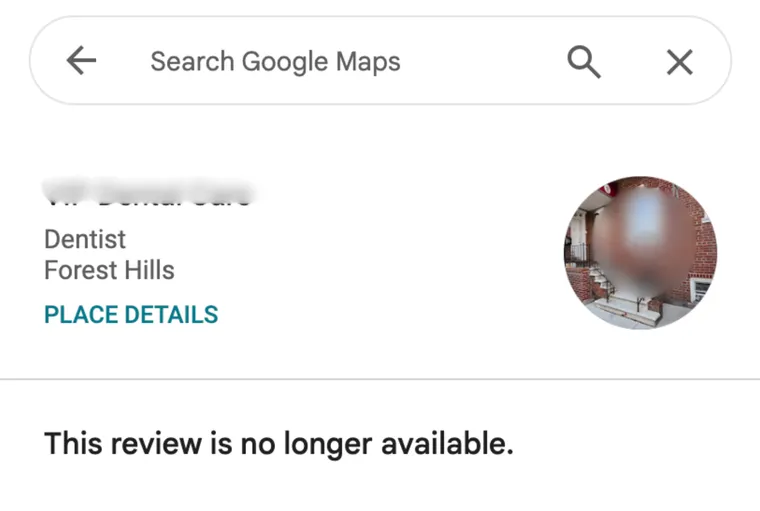
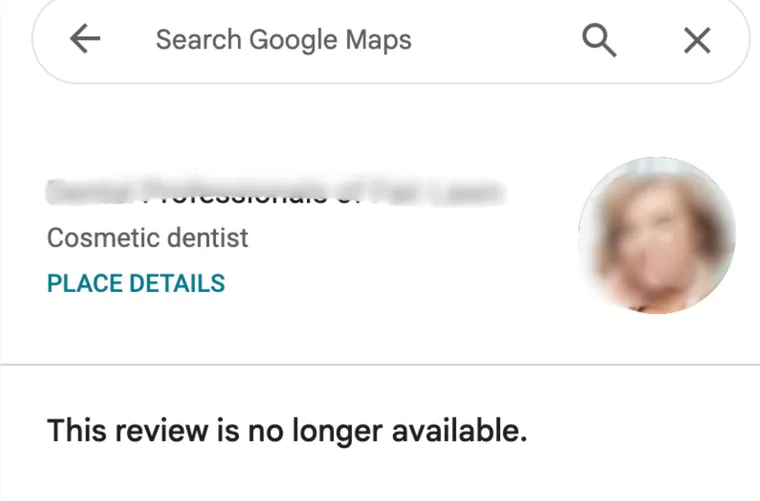
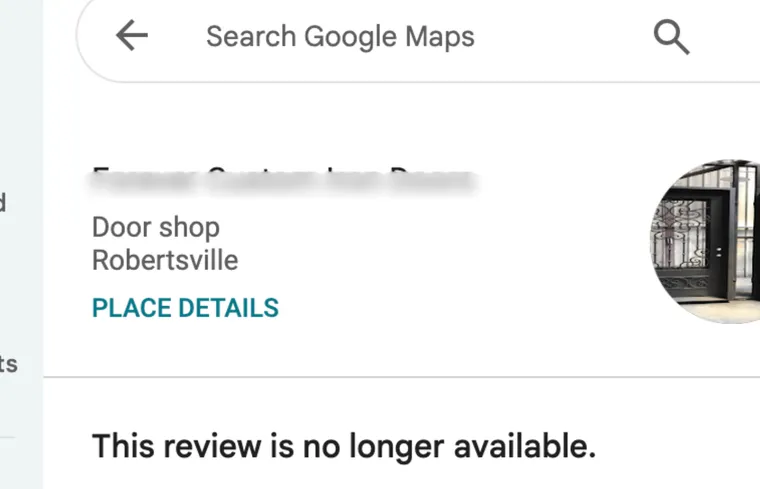
Real Google reviews we’ve had removed.
Each one now reads “This review is no longer available.” Business names are blurred for privacy.
What every client gets.
Every review tracked
The TrustOS portal shows each review as Waiting to be sent, Being worked on, Removed, Could not be removed, or Stopped.
An email before any charge
Before we charge for a removal, we email you the review and the amount. If something looks wrong, reply to that email.
Refiled if it comes back
A platform can restore a review it removed. If that happens, we file it again at no charge, and we never bill you twice for the same review.
Daily monitoring
We read every Google profile you connect about once a day. One email lists the new 1 and 2 star reviews across all your profiles. It comes with your first removal.
A named account manager
One person looks after your account and answers your emails and texts, Monday to Friday, 9am to 5pm ET.
A planning call for 10 or more
If you have 10 or more bad reviews, the app offers a free 15-minute planning call with your account manager.
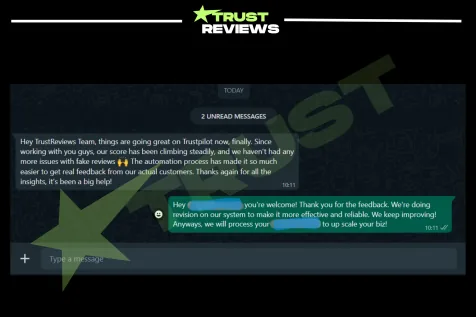
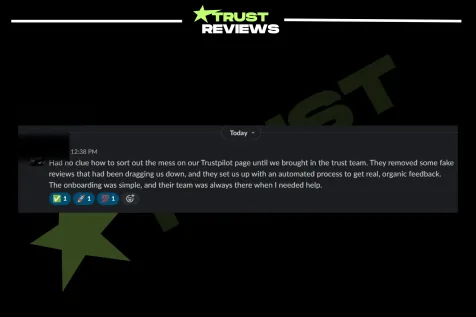
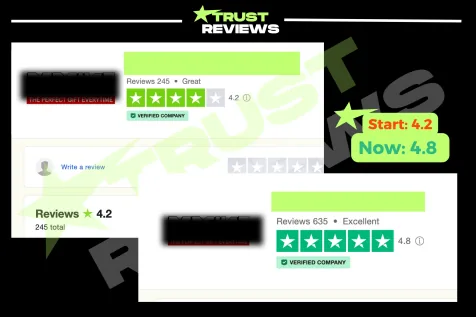
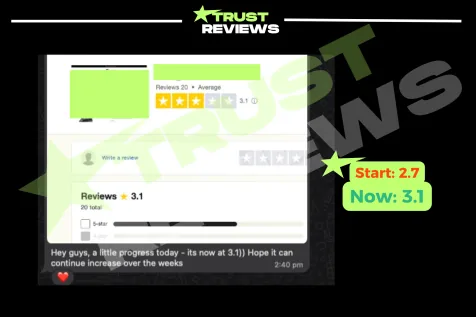
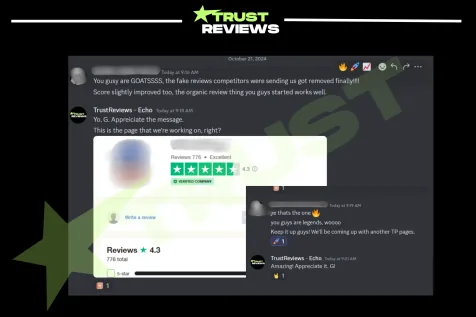
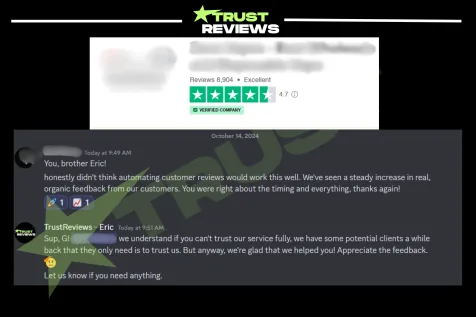
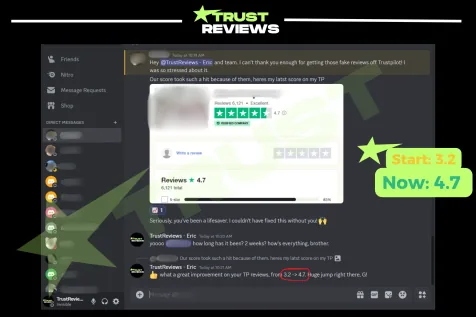
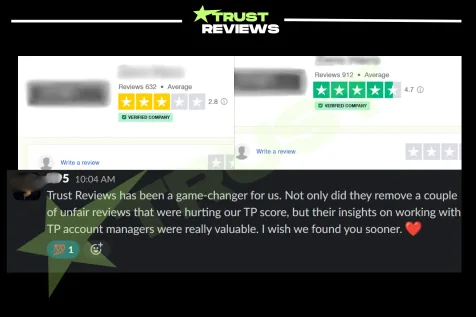
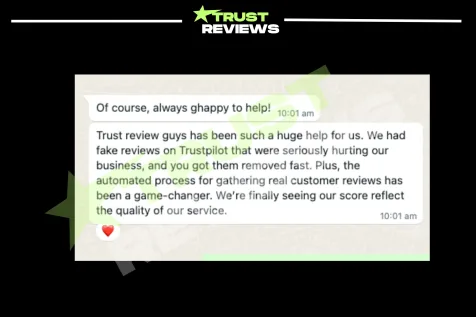
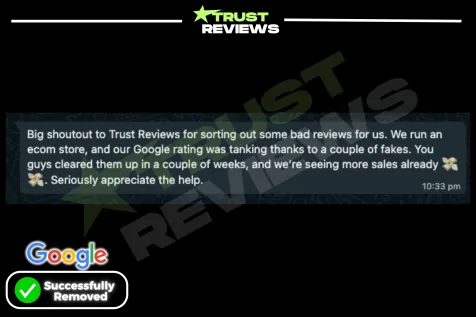
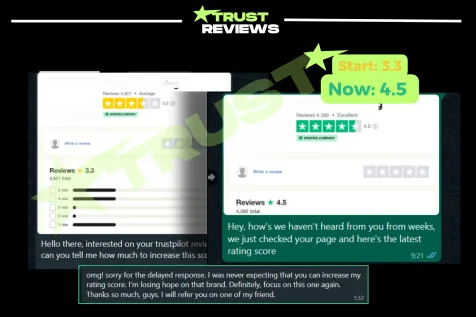
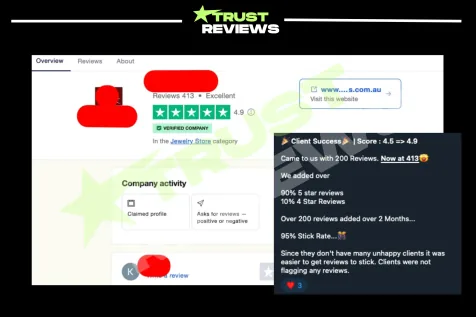
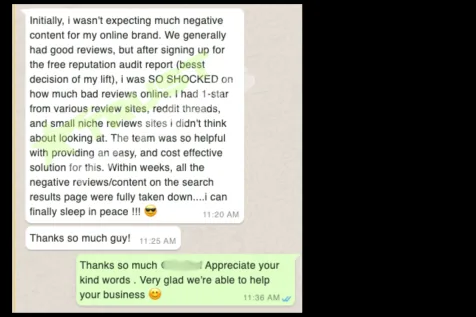
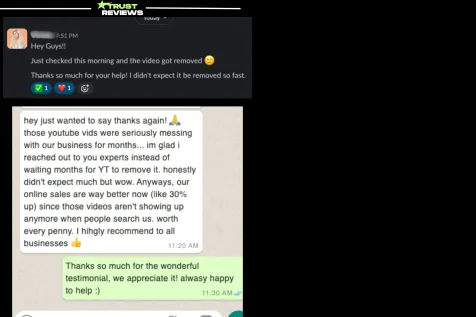
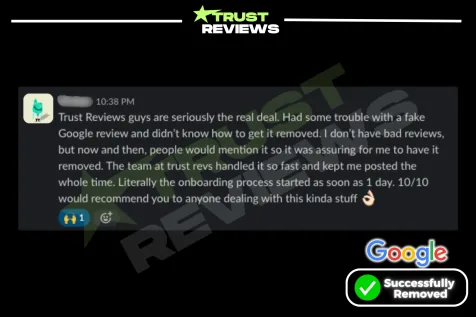
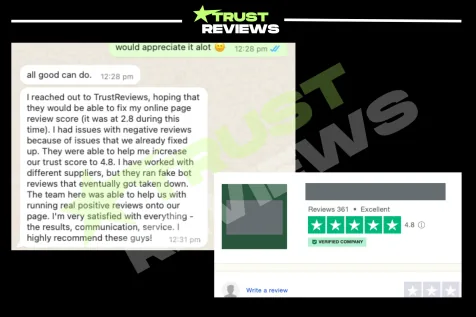
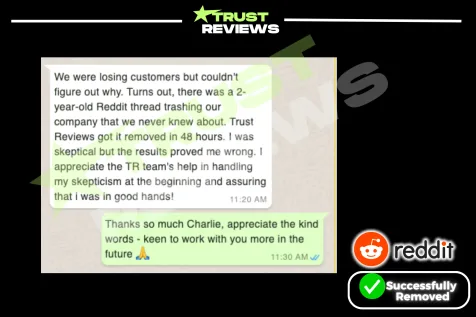
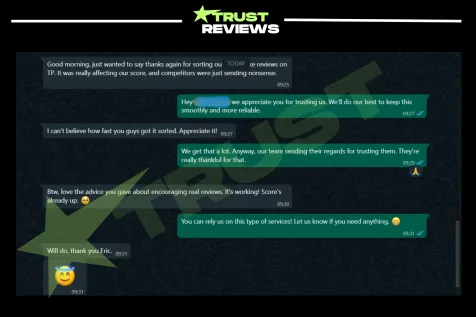
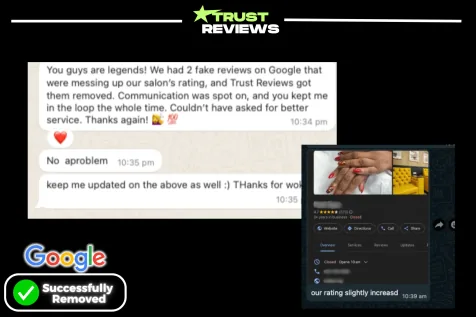
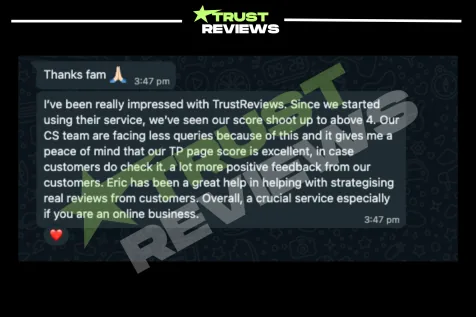
Our clients, in their own words.
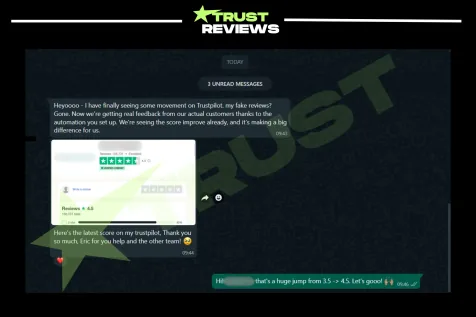
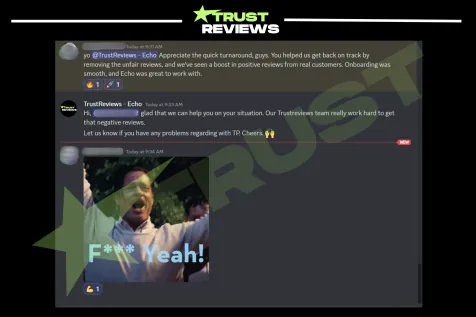
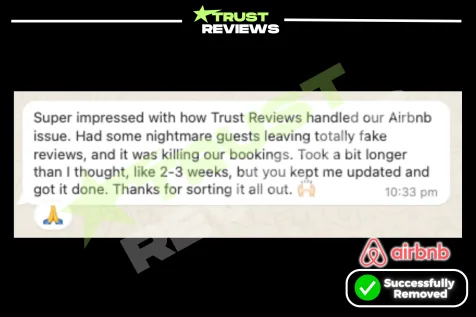
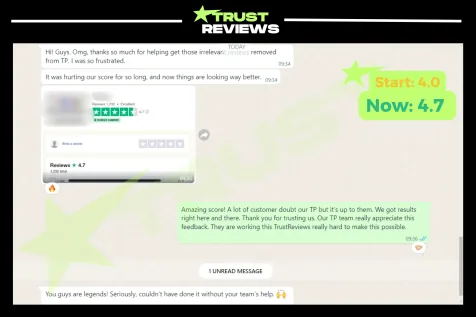
Screenshots of messages clients sent us. We keep every client’s work confidential.
Questions about removing TikTok videos
Can I report a TikTok video for defamation?
In the European Economic Area, yes: tap Report, then Report illegal content, then Defamation, and give the exact false statement and why it harms you. TikTok describes that option under the EU Digital Services Act. Elsewhere, report the video under the Community Guidelines rule it breaks, such as Harassment and Bullying or Personal Information.
Does TikTok’s harassment policy cover a video that criticizes my business?
Usually not. TikTok’s Harassment and Bullying rule allows criticizing a person’s content or actions. It removes videos that wish serious harm on someone, insult their looks, dox them, or tell viewers to leave abusive comments or false reports. Hostile or profane language aimed at a private person is kept out of the For You feed instead.
Will the creator find out that I reported their video?
TikTok says it will not tell the person you report who you are. Its notices to the creator never say who reported the content, and neither does the appeals process. A copyright or trademark report is different: TikTok may give the poster information about the report, such as the name of the rights owner.
I reported a video and it is still up, but it gets fewer views. Why?
TikTok may have made it ineligible for the For You feed instead of removing it. Its rules send some content to that list, such as hostile language aimed at a private person and viral misinformation that erodes trust in businesses. TikTok says such a video can still be found through search or on the creator’s account, though it may also be harder to find in search.
Can a removed TikTok video come back?
Yes. The creator can appeal, and TikTok restores the video if the appeal succeeds. If an item we filed comes back, we file it again at no charge, and you are never billed twice for the same item.
What if nothing comes down?
You pay for the ones that come down. The platform decides on each review, and a review it keeps up shows as Could not be removed in your TrustOS portal.
What if nothing comes down?TikTok guides and answers.
Reviews on other sites? See how each site handles them.
Send us the review that is hurting you.
Paste the link to your Google profile, or to the review or post, and we will tell you how to get started.
Send us the linkAsk a question or paste a link. We reply Monday to Friday, 9am to 5pm ET.
💬 Open the chat